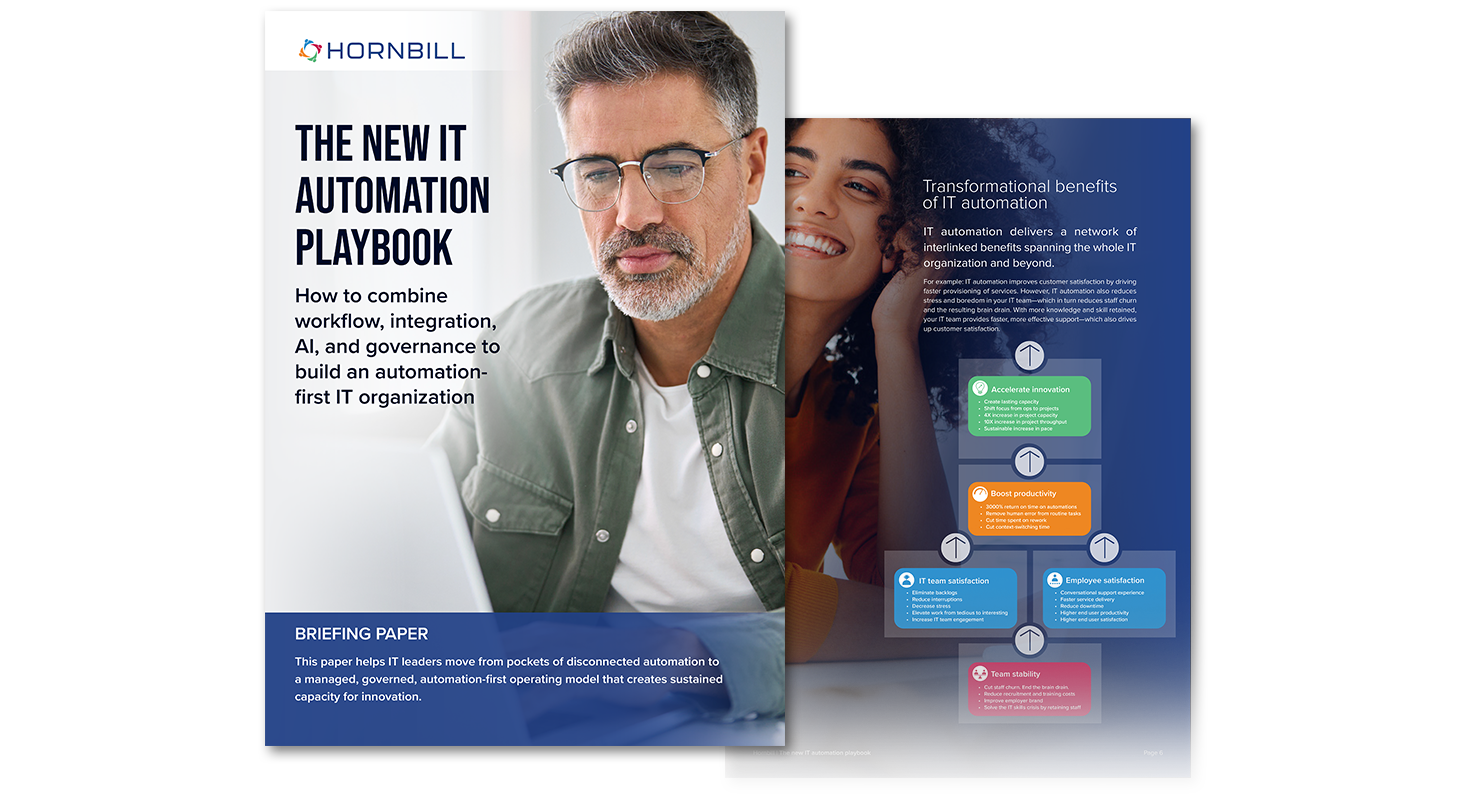
The new IT automation playbook
How to navigate a changing IT automation landscape


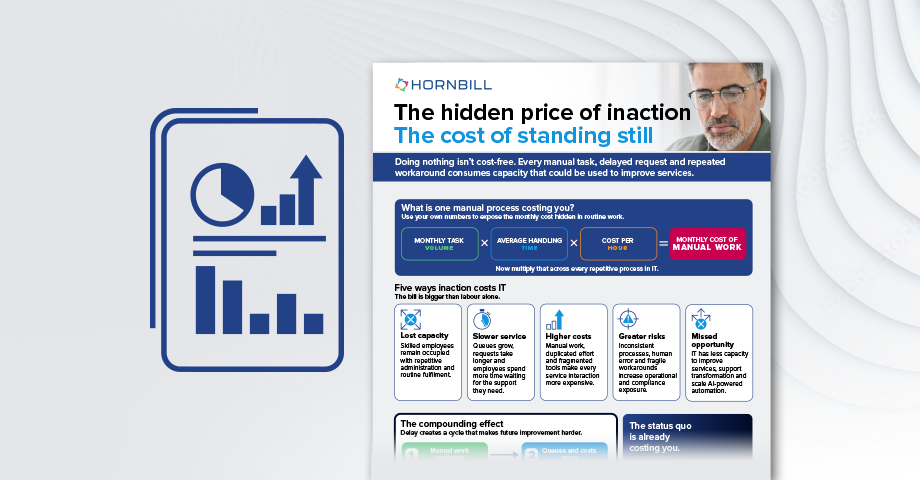
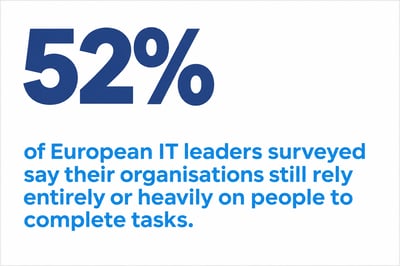
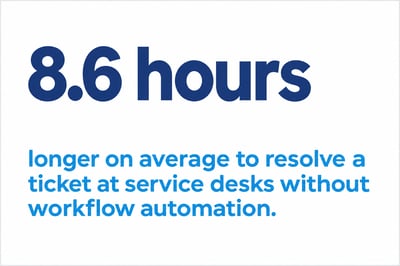
Calculate the cost of manual work
The cost of standing still
If your team spends five minutes chasing each approval, multiply that by the number of approvals it chases each month.
Now think about time you may be losing across all the manual tasks across all your IT processes.
Use this infographic to understand the cost and impact of manual work across your IT team.
Establish the value
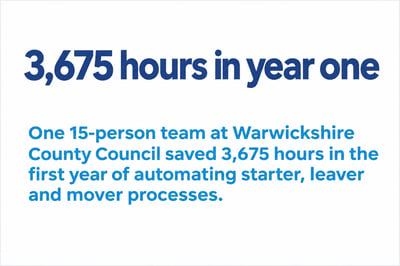
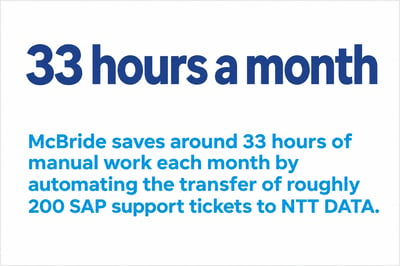
Automation creates capacity. What could you do with it?
What keeps slipping down your team’s priority list? Which projects and improvements remain on the shelf?
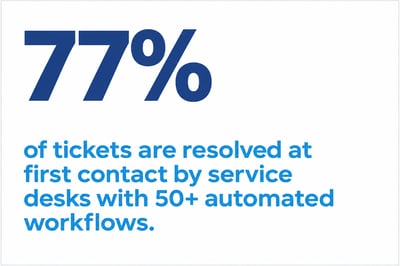
When automation takes care of routine requests and updates, your people can tackle the recurring issues that keep filling the queue, and pursue the big projects that make a difference.


Understand the changing landscape
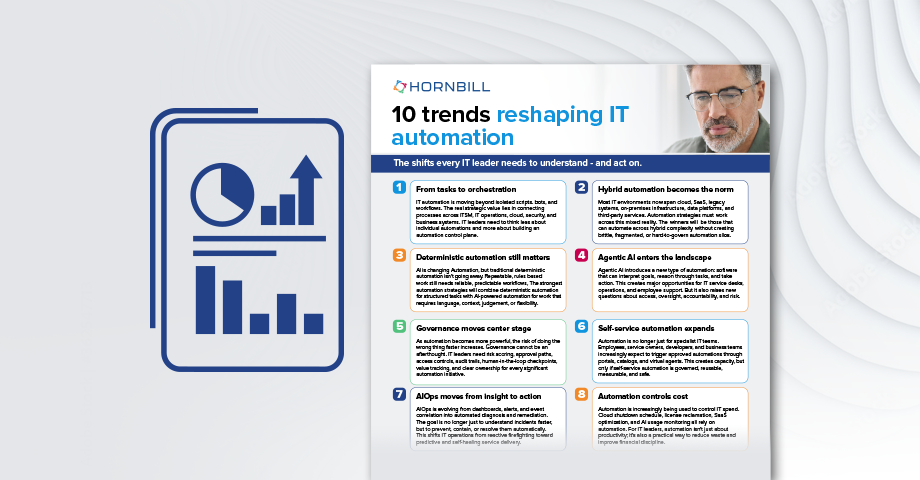
10 trends reshaping IT automation
Agentic AI is expanding the scope of what IT can automate. For IT leaders under pressure to cut costs, it’s also an opportunity to free up time for the service improvements that routine work keeps pushing down the list.
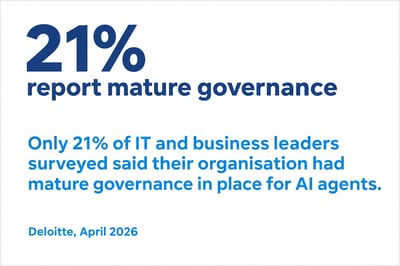
But alongside the opportunity there are data, governance and security concerns that need to be considered.
This infographic explores 10 trends every IT leader should understand, and what they mean for your automation strategy.
Related article: How agentic AI is different from traditional automation
Define the destination
What does an automation-first IT organisation look like?
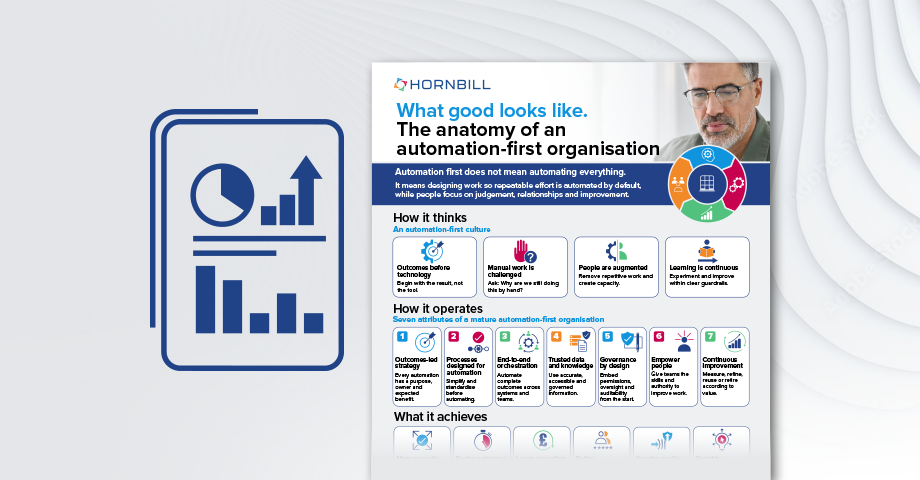
When the same task keeps landing in the queue, an automation-first team asks why someone still has to do it by hand. From there, the team looks across the whole service to decide which steps to automate, where people need to exercise judgement and how to measure the time they get back.
Explore the seven attributes of an automation-first organisation and see how your team compares.
Spot the warning signs
What does it look like when IT automation falls short?
IT automation should create capacity, improve service quality and make work easier. But the wrong approach can simply introduce more complexity.
Discover seven warning signs that your automation strategy isn’t working and the practical actions you can take to get it back on track.

Check your readiness for AI automation
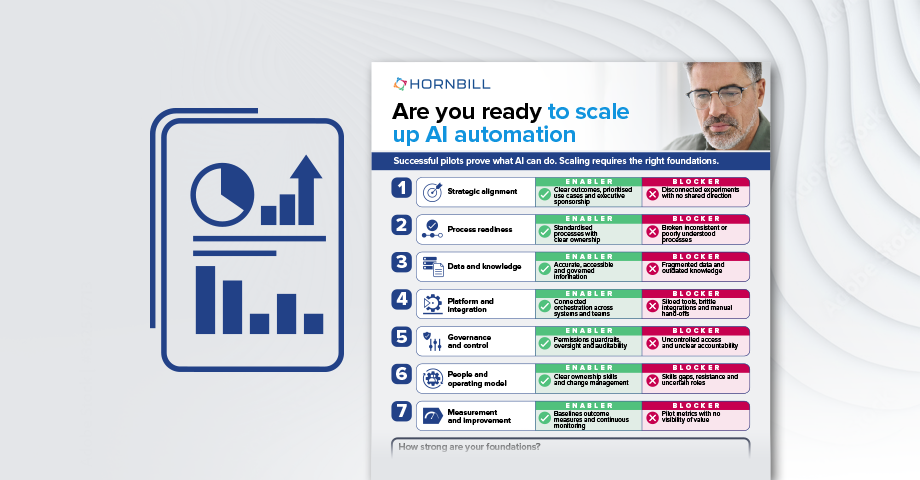
Are you ready to scale AI automation?
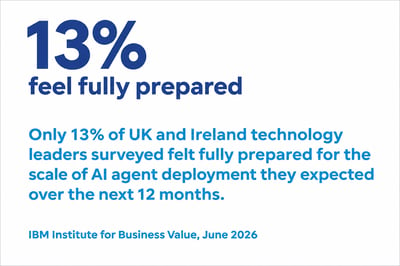
A successful pilot shows what AI can do for one team. But scaling AI safely across your whole organisation requires solid foundations.
Use this infographic to check seven areas of readiness and pinpoint what to strengthen before you scale.
Bring it all together
Build your IT automation strategy
Where should you automate first, and how will you know it’s made a difference? The new IT automation playbook helps you identify where routine work consumes the most time and build a plan to give that capacity back to your team.
Use it to:
- Choose the right mix of workflows and AI.
- Connect systems so service delivery moves from start to finish without manual chasing.
- Set clear rules for when AI can act and when to wait for approval.
- Measure the time your team gets back and use the results to decide what to scale next.